Hierarchical URLs: Turning Content Structure Into Search Structure
Bloomineasy uses taxonomy to create readable article paths and useful topic hubs.
Bloomineasy turns categories, sectors, and sub-sectors into readable URL paths that help users and search engines understand content structure.
Bloomineasy uses taxonomy to create readable article paths and useful topic hubs.
Bloomineasy turns categories, sectors, and sub-sectors into readable URL paths that help users and search engines understand content structure.
Taxonomy becomes part of the public site
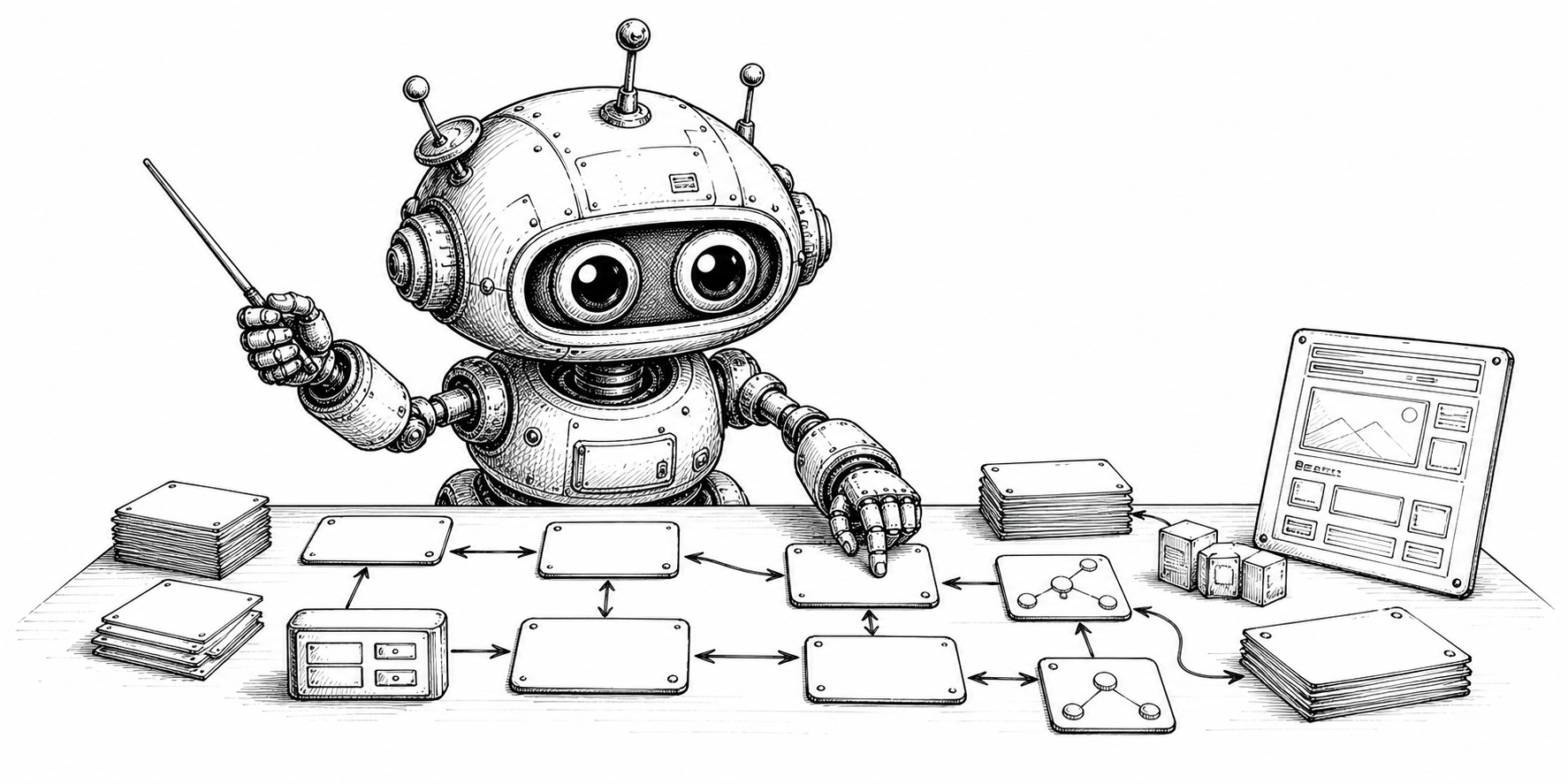
Bloomineasy organizes content with categories, sectors, and sub-sectors. Those editorial choices are not hidden away in the admin. They can become part of the public URL, creating paths such as category, sector, sub-sector, and article slug.
This is useful because readers often understand content through structure. A readable path can suggest where an article sits in the wider library before the visitor even starts reading.
Why hierarchical paths help content sites
Flat blog URLs are simple, but they do not communicate much about the content collection. Hierarchical URLs can support topic clusters, resource libraries, product guides, and documentation-style navigation.
Bloomineasy chooses this route structure because the taxonomy is already central to the CMS. Turning it into URLs lets the same structure help editors, readers, and search crawlers.
Legacy paths can still be handled carefully
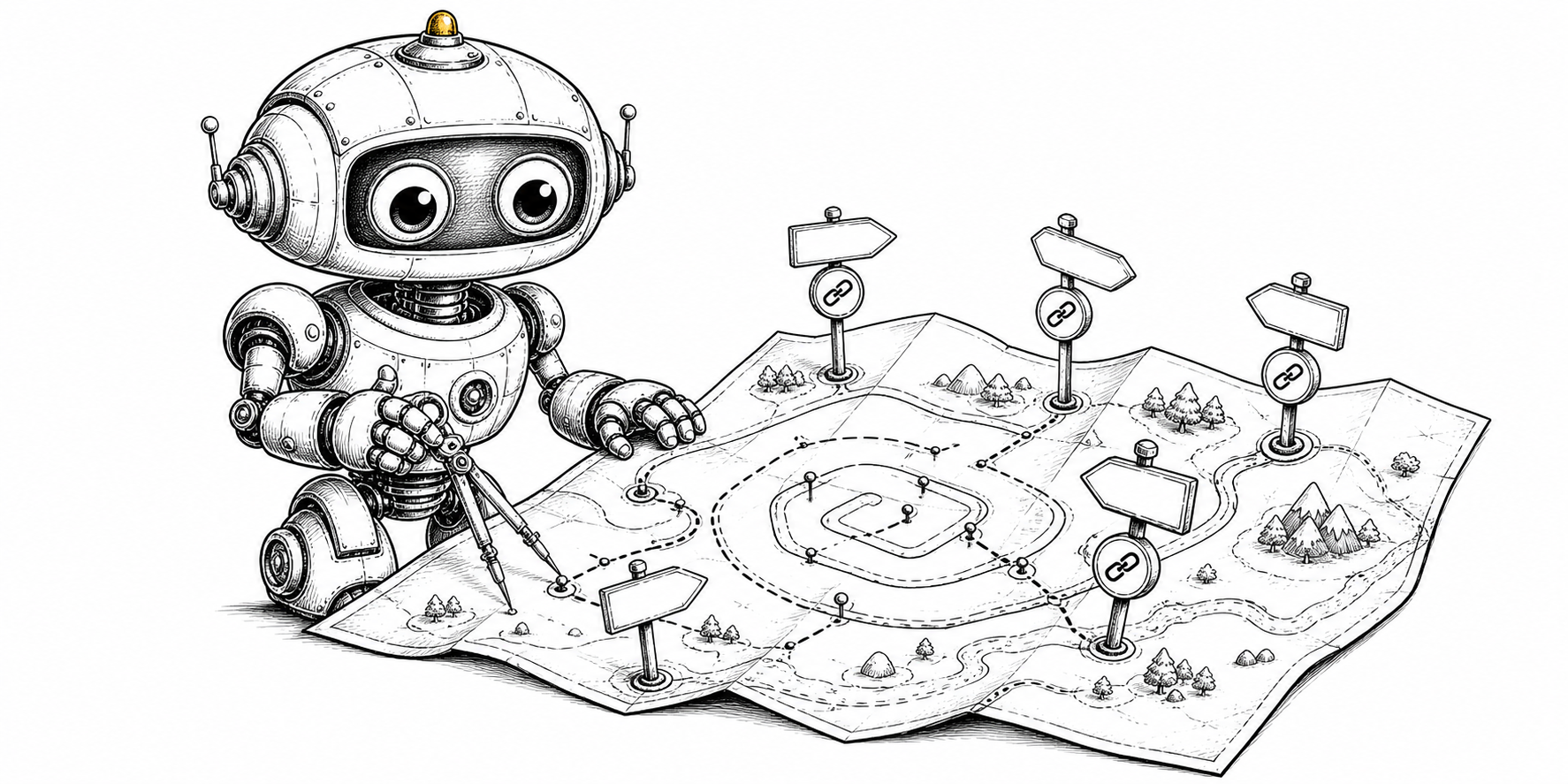
The project supports legacy blog-style paths and can redirect them to hierarchical article paths. That is a sensible migration choice because teams should be able to improve URL structure without abandoning older links.
This is especially helpful for sites that start simple and become more structured over time. Bloomineasy lets the information architecture mature as the content library grows.
A natural fit for resource libraries
For a resource-heavy project, taxonomy can mirror how readers actually explore the subject: a category for a major area, sectors for focused tracks, and sub-sectors for specific skills, product areas, or recurring questions.
That makes hierarchical URLs more than a technical feature. They are a way to make the site's editorial thinking visible.