Widget Inheritance: One Content System, Many Page Behaviors
Bloomineasy widget assignments can cascade through taxonomy and articles.
Bloomineasy widgets can cascade through category, sector, sub-sector, and article levels with inherit, replace, add, and none modes.
Bloomineasy widget assignments can cascade through taxonomy and articles.
Bloomineasy widgets can cascade through category, sector, sub-sector, and article levels with inherit, replace, add, and none modes.
Repeating widget setup does not scale
A small content site can place widgets manually. A larger site needs better defaults. If every article requires its own CTA, form, or sidebar block, editors eventually spend too much time repeating configuration.
Bloomineasy solves this with widget inheritance across the content taxonomy.
The cascade follows the content structure
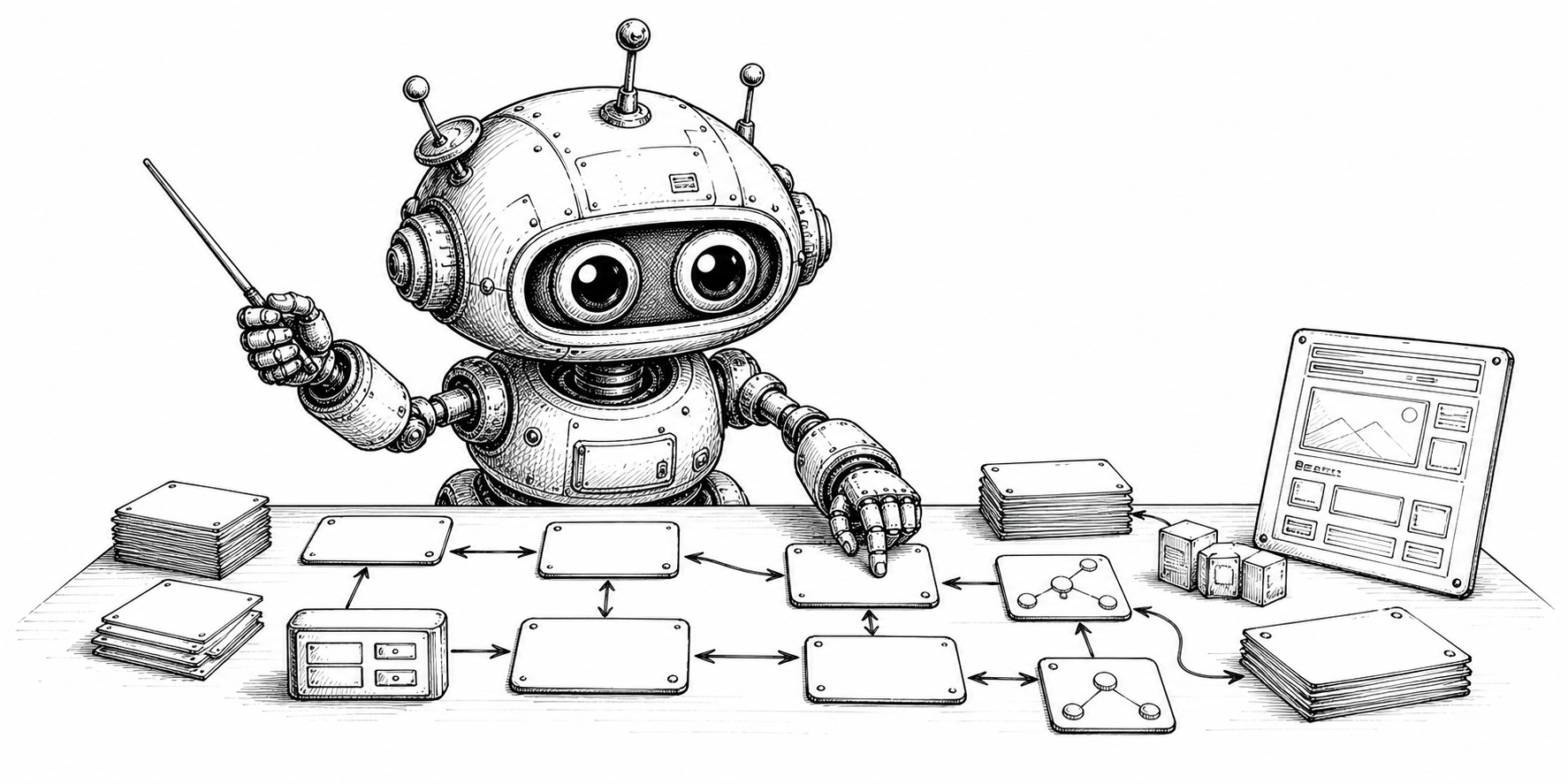
Widgets can be assigned at category, sector, sub-sector, and article levels. This matches the way Bloomineasy already organizes content, so widget behavior follows the same structure as the editorial model.
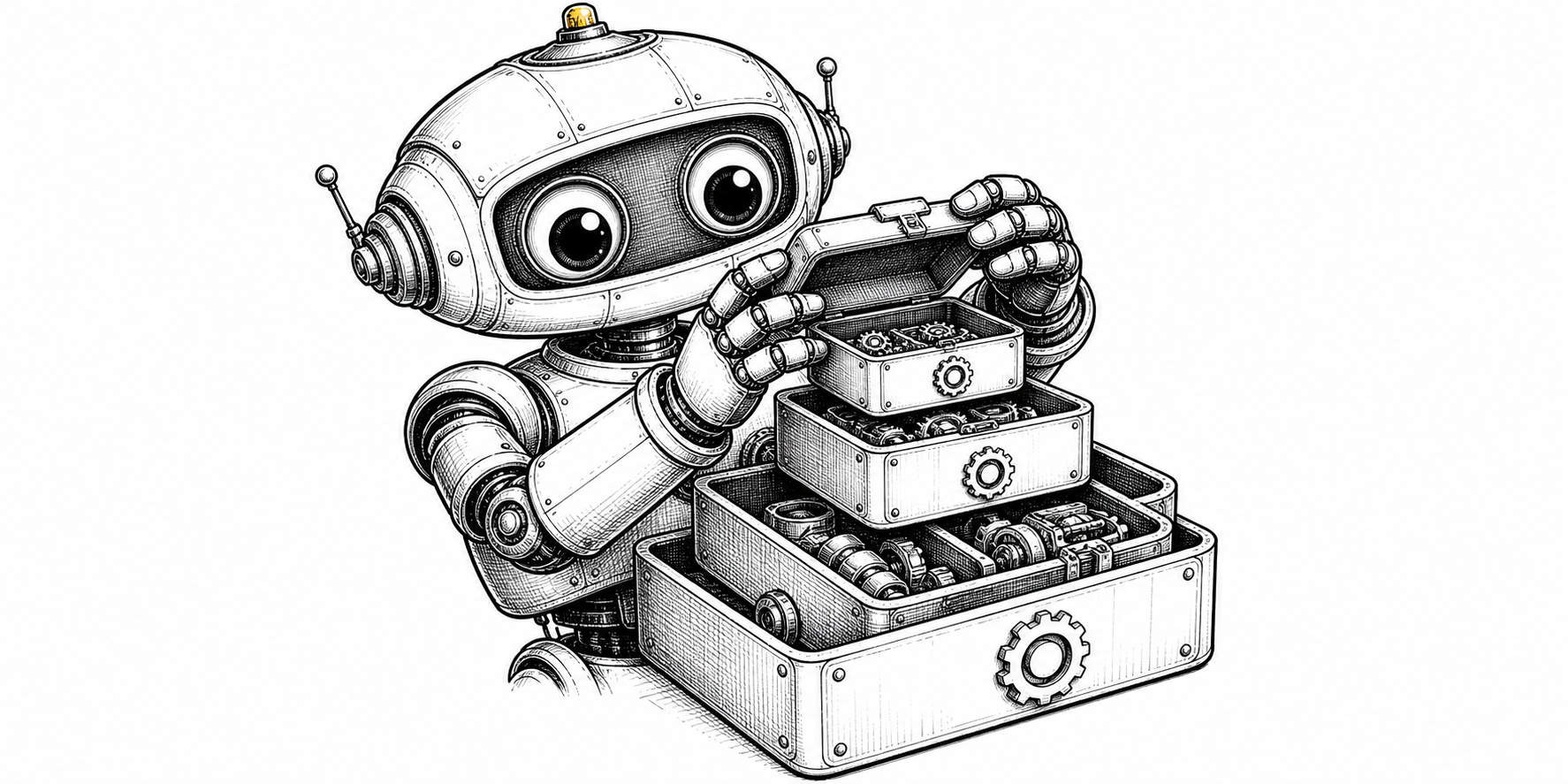
That means a whole section can share a CTA, while a specific article can still add or replace widgets where needed.
Modes give precise control
Bloomineasy supports inherit, replace, add, and none modes. Inherit uses the parent behavior, replace overrides it, add appends local widgets, and none intentionally removes widgets for that level.
This is a strong implementation choice because it gives teams both default consistency and clear escape hatches.
Useful for real editorial scenarios
A product guide category might inherit a demo CTA across all articles. A sub-sector might add a checklist widget. A legal or policy article might use none to avoid promotional blocks.
That is the benefit of inheritance: one content system can support many page behaviors without making every page manually configured.